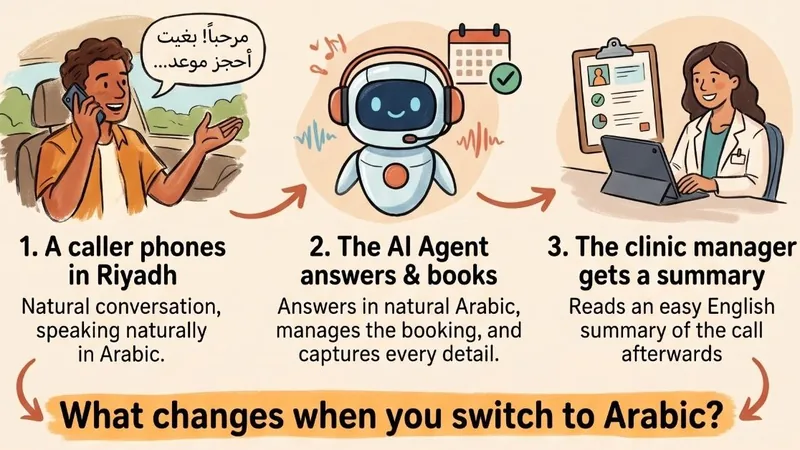
What it checks before it offers a time, and what happens if a slot is taken anyway
An AI receptionist answers your calls and books appointments for you. The risky part is the booking. A caller asks for Thursday at 3pm, and an agent that simply says "sure" without checking can promise a time that is already taken. This post explains how ours checks before it answers, and what happens if a slot is taken anyway.
Why booking is the hard part#
An AI is good at sounding helpful but has no built-in knowledge of your calendar. Left to itself, it could agree to whatever the caller suggests. A double booking costs you an apologetic phone call at best and a lost customer at worst.
So the agent is built to ask your scheduling system whether a time is free, and to offer only what the system says.
What happens when a caller asks for a time#
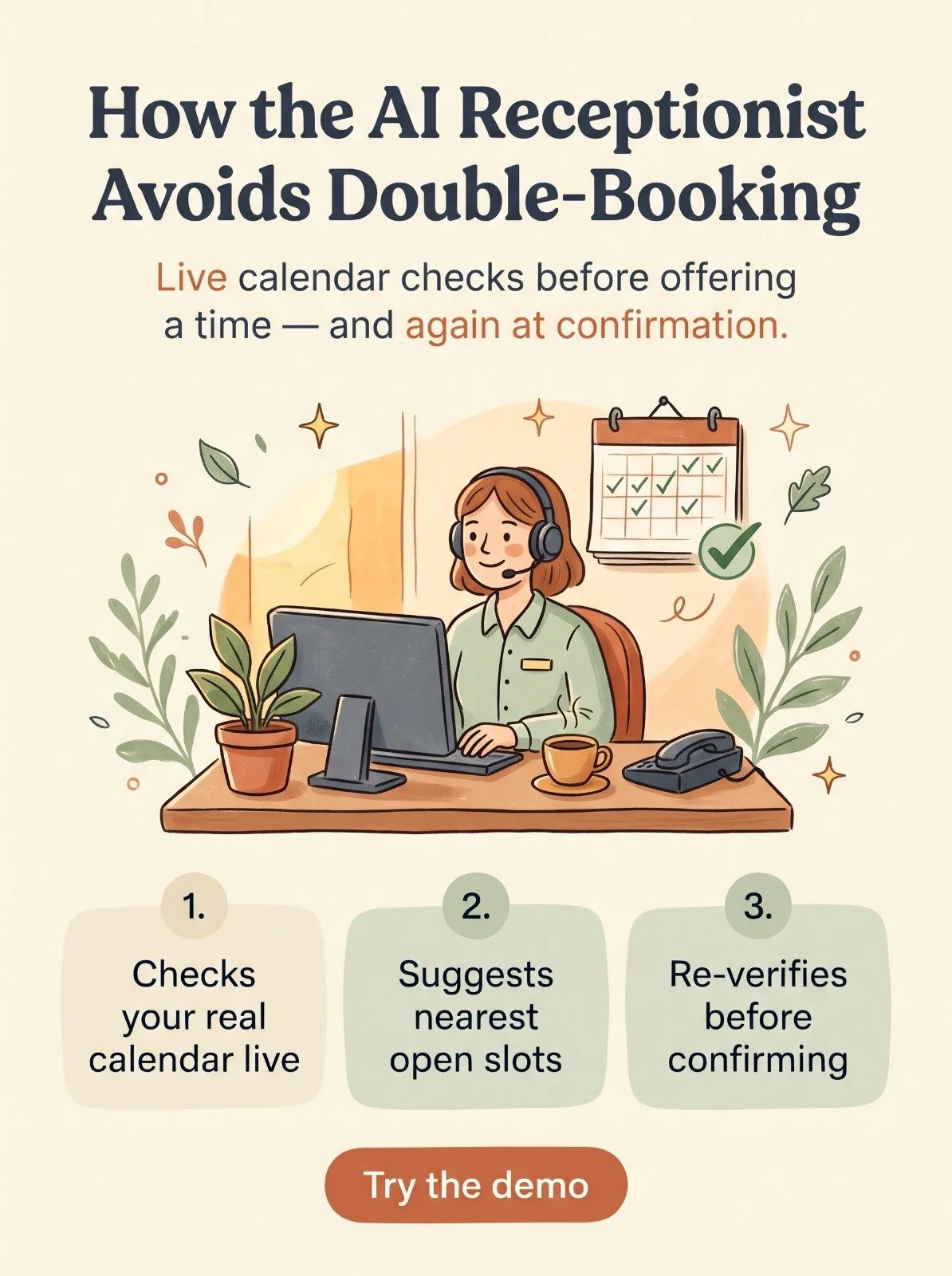
- The agent checks your calendar, not its own memory. It runs a live check of availability on the requested date, for the team member or type of professional the caller wants.
- The check sees your whole calendar. That includes bookings made through the receptionist and busy time from your team's connected Google Calendar, such as a personal appointment or a lunch block.
- Waiting bookings still count. A booking that is waiting for the customer's confirmation holds its slot for up to about 24 hours, so the same time cannot be offered to the next caller.
- The agent offers what is free. If the requested time is taken, it suggests the nearest open times instead of guessing.
What this looks like in practice#
Imagine a caller phones a dental clinic and asks for a check-up on Thursday at 3pm with Dr. Khan. The agent would look up Dr. Khan's calendar for that day. If her calendar already has something at 3pm, the agent would not agree to the time. Instead it would offer times that are free, and the caller could pick one. The booking would be made only for a time the calendar showed as open.
| CALL TO ACTIONSee a booking happen liveTry the demo and book a slot yourself. |
|---|
What if the slot disappears before the customer confirms?#
When a business uses email confirmation, the booking is confirmed from an email after the call, with buttons to confirm, reschedule or cancel. Time can pass between the call and the click, and someone else may have taken the slot in between.
So the check runs again at the moment of the click. If the time is still free, the booking is confirmed. If it was taken, the customer is told the time is no longer available. The original request is cancelled and the customer is emailed up to two of the nearest free times, each with a single confirm button. If no nearby time can be found, the customer is asked to call the office.
After the booking is confirmed#
- If the team member has a connected calendar, the appointment is added to it.
- If the Appointment Reminders add-on is on, the customer is emailed a reminder about 24 hours and again about an hour before the appointment.
- If the customer cancels, the calendar entry is removed, and a cancelled appointment gets no reminder.
What to know#
Changes you make in your own calendar are picked up on a regular sync, roughly every 15 minutes. If you block out a time in your calendar and a caller asks for it within that window, the agent may not know yet. For this reason we recommend connecting the calendar your team actually uses.
A few more details about how it behaves:
- Waiting bookings are visible. A booking waiting for the customer's confirmation shows as pending in your appointments table, and is not added to your Google Calendar until the customer confirms.
- Offered times fit the appointment. A suggested time is only offered if the whole appointment fits in a free gap, and suggested start times fall on the half hour, such as 2:00pm or 2:30pm. A 45-minute appointment will not be suggested in a 30-minute gap. If the caller asks for a specific time and it is free, that exact time can be booked.
- If the day is full, it looks ahead. When nobody is free on the requested day, the agent finds the next day with an opening, searching up to two weeks ahead, rather than asking the caller to guess dates.
- Checking is not booking. Looking at availability reserves nothing. The agent is told not to say "you're booked" until the booking has actually gone through.
- No team members set up? If a business has no team members set up in the system, the agent takes the caller's preferred day and time as a request and tells them your team will confirm it.
What this means for you#
The receptionist works from the same calendar your team already uses, so you are not maintaining a second calendar just for the AI. Callers are offered times that are actually open, or a clear next step if none are, which means fewer clashes for your team to untangle by hand.
The short version#
The agent checks your real calendar before it offers a time, and checks again when the customer confirms.